

Most “force login” plugins only lock the front door
They gate the pages WordPress renders — and leave every file in your uploads folder open to anyone with the link. PDFs, contracts, images, member documents: still downloadable, logged in or not. KW Members Fortress closes that gap, then keeps checking it stays closed.
Or you bolt 3 plugins
together and still can’t be sure.
The usual workaround is a stack: a force-login plugin, a separate file
blocker, an .htaccess snippet from some forum — or a full membership
suite built for selling courses, charging you monthly for the slice you
actually use. More moving parts, more to break, more to maintain. And
none of them tell you whether your files are truly locked.
What It Does
/
Whole-site gate
Logged-out visitors get the login screen and nothing else — pages, posts, search, feeds, REST API, sitemaps and XML-RPC all sealed.
Protected file URLs
Direct hits to /uploads are served only to members. Apache and LiteSpeed are handled automatically; nginx gets a one-line snippet.
Leak self-test
About once an hour the plugin quietly requests one of its own file URLs without logging in. If anything comes back, you get a red dashboard alarm. Silent misconfiguration becomes a visible warning.
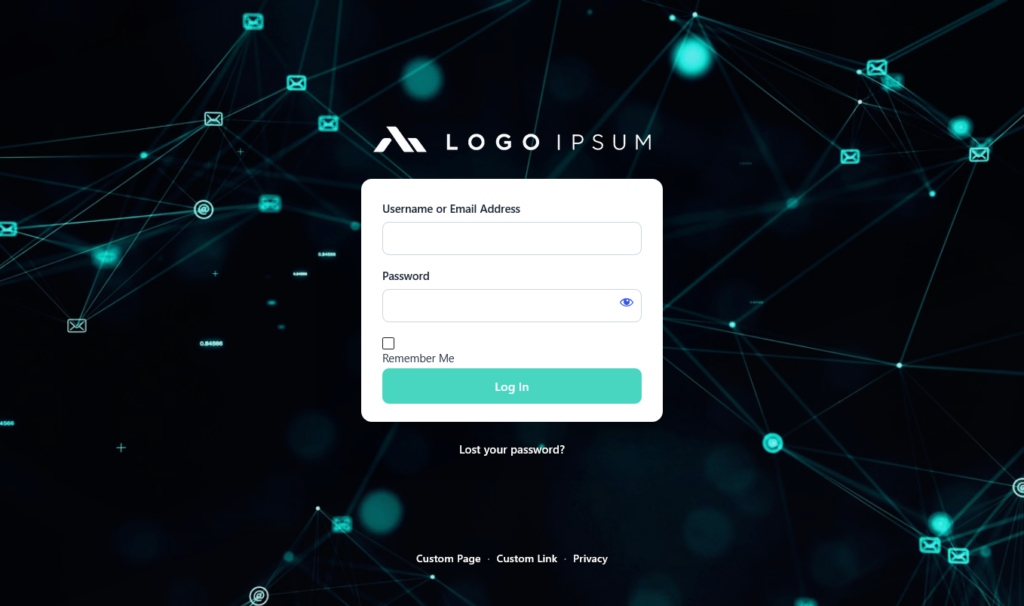
Branded login screen
Set a background, colours and logo from the settings page. No file editing, no code.
Footer & legal pages
Publish an Imprint or Privacy page that stays reachable while everything else stays locked.
Hardened by default
Block logged-out AJAX and user-enumeration, add no-cache headers on blocked responses, and a login throttle that recovers on its own.
HOW IT WORKS
You have Questions?
We have answers!
Lock your WP site in two minutes
Free, open-source (GPL), no account required